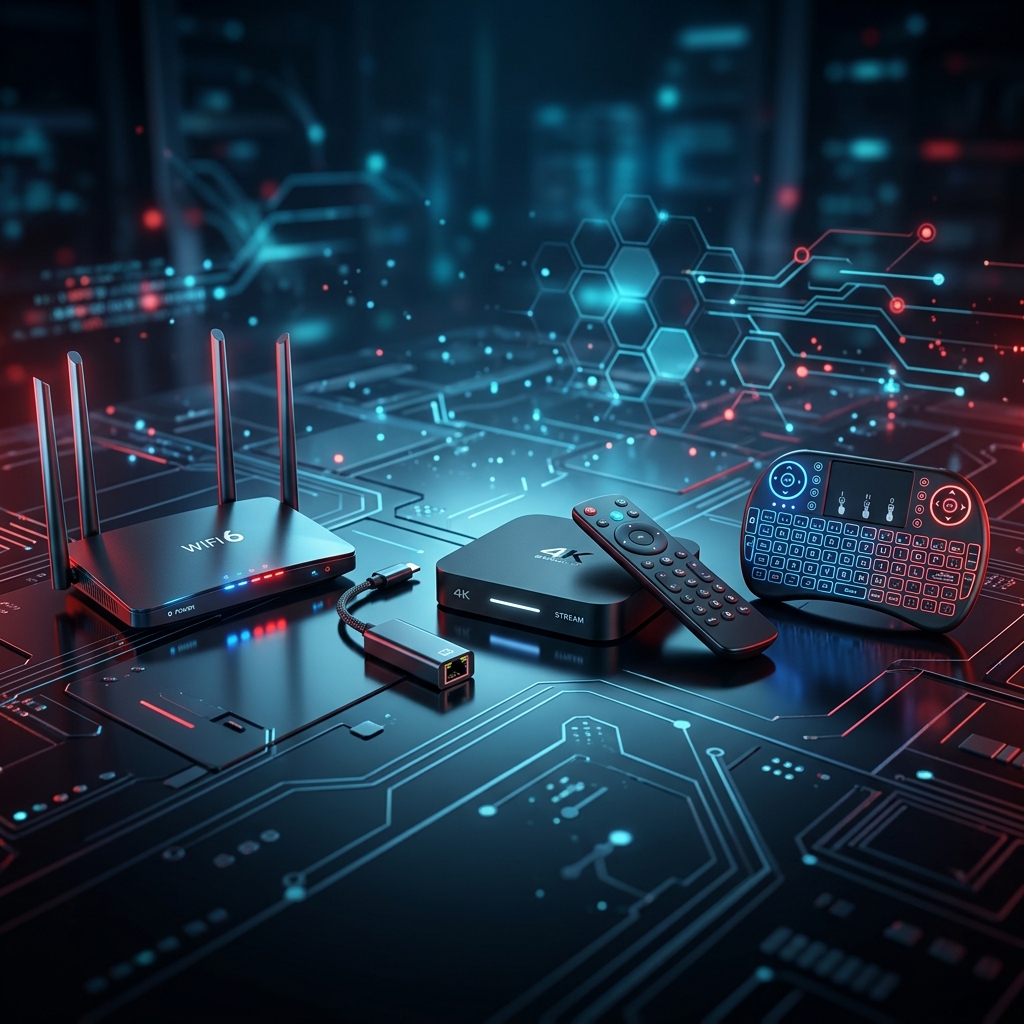
Most people assume that if their stream buffers, the IPTV provider is to blame. In reality, your hardware setup plays just as big a role. The best IPTV accessories — a good router, a wired connection, the right streaming device — can completely transform your experience, even with the exact same subscription.
This guide ranks the IPTV accessories that actually make a measurable difference in 2026, backed by real testing data and expert sources — not just generic "buy this" lists.
Quick answer: the single highest-impact IPTV accessory is a wired Ethernet adapter, followed by a QoS-capable router. Everything else on this list is a secondary upgrade — see the priority table below to figure out exactly what you need.
💡 New to IPTV? Start with our Complete Beginner's Guide to IPTV before diving into hardware upgrades.
Jump to a section:
- Ethernet Adapter — biggest impact, lowest cost
- Router with QoS — the foundation
- Mesh Wi-Fi — for larger homes
- Streaming Device — hardware that handles the load
- Cat6 Cables — don't cut corners here
- Air Mouse / Mini Keyboard — for Android boxes
- Premium VPN — privacy and anti-throttling
- External USB Storage — for recording
📹 Watch: Wi-Fi vs Ethernet for IPTV Explained
Before diving into the details, watch this quick explanation of why wired connections outperform Wi-Fi for live streaming:
1. Ethernet Adapter — The #1 Upgrade for Buffering
If you only buy one accessory from this list, make it this one.
Most streaming sticks (Firestick, Chromecast) rely on Wi-Fi only, which is the most common cause of buffering. An Ethernet adapter plugs into your device and connects it directly to your router with a cable — eliminating wireless interference entirely.
According to FireStickTricks' 2026 Ethernet adapter guide, wired connections are inherently more secure and stable because routers prioritize wired devices over wireless ones, delivering better speed and connection quality even before considering hardware differences.
What to look for:
- Compatible with your specific device (Firestick uses micro-USB, newer models may use USB-C)
- Supports at least 100 Mbps throughput
- Plug-and-play, no driver installation required
💰 Typical price: $10–$20
📖 Related: How to Optimize Your Connection for Buffer-Free Streaming
2. A Modern Router with QoS Support
Your router is the foundation of your entire IPTV experience — yet it's the most overlooked accessory.
As Infomir's router guide for IPTV explains, IPTV streaming involves continuous data transfer, and a weak router will cause interruptions and buffering regardless of how fast your internet plan is.
Key features to prioritize:
- Dual-band (2.4GHz + 5GHz) — always use 5GHz for streaming devices when in range
- Gigabit Ethernet ports — ensures full-speed wired connections
- QoS (Quality of Service) — lets you prioritize your streaming device's traffic over other devices
- IGMP proxy / multicast support — improves live stream stability
According to RTINGS' 2026 router testing, the TP-Link Deco 7 Pro BE63 currently ranks as their top pick for streaming, offering excellent range and expandable mesh coverage for larger homes.
💰 Typical price: $80–$300 depending on tier
3. Mesh Wi-Fi System (For Larger Homes)
If running an Ethernet cable to every TV isn't practical, a mesh Wi-Fi system is the next best thing.
Unlike a single router, mesh systems use multiple connected nodes placed throughout your home, eliminating the dead zones that cause buffering in distant rooms.
Why it matters for IPTV:
- Consistent signal strength throughout your home
- Seamless handoff between nodes as you move devices
- Better performance for multiple simultaneous streams
💰 Typical price: $150–$300
📖 Related: How to Install IPTV on Android Box & Smart TV
4. A Capable Streaming Device
Not all streaming devices handle IPTV equally well. According to StreamDiag's 2026 device comparison, devices with built-in Ethernet ports are strongly preferred for live sports and time-sensitive content where delay matters.
| Device | Why It's Good for IPTV |
|---|---|
| Nvidia Shield TV Pro | Powerful chip, AI upscaling, built-in Ethernet port |
| Amazon Fire TV Cube | Extra Ethernet port, fast hardware, hands-free Alexa |
| Fire TV Stick 4K Max | Best value, Wi-Fi 6E support |
| Google TV Streamer 4K | Built-in Ethernet, smooth interface, ample storage |
⚠️ Note: As StreamDiag points out, Roku's closed ecosystem makes it harder to add custom IPTV channels — it's generally not the best choice for IPTV compared to Android-based devices.
📖 Related: Best IPTV App for Smart TV — Top 7 Picks
5. Quality Cat6 Ethernet Cables
If you're investing in a wired setup, don't cut corners on the cable itself.
According to a detailed IPTV accessories breakdown, Cat6 cables are the sweet spot for most IPTV setups — they provide enough bandwidth for 4K streaming while remaining flexible enough for easy installation. The same source recommends keeping cable runs under 50 meters and using factory-crimped patch cables for the most reliable connection.
💰 Typical price: $8–$15 for a 15ft Cat6 cable
6. An Air Mouse or Mini Keyboard (For Android Boxes)
If you're using an Android TV box, navigating EPG grids and typing in login credentials with a basic remote can be painfully slow.
As noted in Breaking AC's 2026 IPTV setup checklist, an air mouse or mini keyboard makes navigating EPG grids and search menus significantly faster than a basic infrared remote — especially useful when entering Xtream Codes credentials.
💰 Typical price: $15–$30
7. A Premium VPN (Privacy & ISP Throttling)
While not a piece of hardware, a VPN deserves a place on this list as an essential "accessory" for your setup. It protects your privacy and can help bypass ISP throttling that sometimes causes buffering during peak hours.
📖 Full guide: Best VPN for IPTV Streaming
8. External USB Storage (Optional — For Recording)
If your IPTV app and device support it, external USB storage enables recording and catch-up TV features — letting you save live broadcasts to watch later. This is particularly useful on Android boxes and MAG-style devices that support local DVR functionality.
💰 Typical price: $20–$50 for a basic external drive
Priority Order: What to Buy First
You don't need everything on this list at once. Here's how to prioritize based on your actual problem:
| Your Problem | Buy This First |
|---|---|
| Frequent buffering | Ethernet adapter + check router QoS |
| Buffering in a specific room | Mesh Wi-Fi node for that room |
| Slow remote navigation | Air mouse / mini keyboard |
| Old, underpowered device | Upgrade to Fire TV Stick 4K Max or Nvidia Shield |
| Privacy concerns / throttling | Premium VPN |
| Want to record live TV | External USB storage (device-dependent) |
Quick Reference: Total Setup Cost Estimate
| Accessory | Estimated Cost |
|---|---|
| Ethernet adapter | $10–$20 |
| Cat6 cable (15ft) | $8–$15 |
| Quality router (QoS) | $80–$300 |
| Mesh Wi-Fi (optional) | $150–$300 |
| Streaming device | $35–$200 |
| Air mouse (optional) | $15–$30 |
| VPN subscription | $3–$10/month |
A solid baseline setup (Ethernet adapter + cable + decent streaming device) can be achieved for under $70 — a worthwhile investment if buffering has been a recurring problem.
Frequently Asked Questions
Do I really need an Ethernet adapter if my Wi-Fi seems fine?
If you're not experiencing buffering, you may not need one immediately. However, Ethernet provides more consistent performance, especially during peak hours or for 4K content — see our buffering troubleshooting guide for more detail.
Is a mesh Wi-Fi system worth it for a small apartment?
Probably not. Mesh systems shine in larger homes with multiple rooms. For a small space, a single quality dual-band router is usually sufficient.
Can I use any Ethernet adapter with my Firestick?
Most modern adapters are compatible, but always check that it matches your Firestick's port type (micro-USB for older models) and supports at least 100 Mbps.
Will upgrading my router alone fix buffering?
It helps significantly, but pairing it with a wired Ethernet connection on your streaming device gives the best results. The combination matters more than either accessory alone.
Do I need all these accessories to start with IPTV?
No — see our How to Choose the Right IPTV Plan guide to start simple, then add accessories only if you experience specific issues.
Conclusion: Small Upgrades, Big Difference
You don't need to overhaul your entire home network to get smooth, buffer-free IPTV streaming. In most cases, a simple Ethernet adapter and a properly configured router solve 90% of buffering complaints.
Start with the essentials, identify your specific pain points using the priority table above, and upgrade incrementally from there.
🚀 Ready to put your optimized setup to the test? Start your free SWC-STREAM trial — no credit card required.
Tags: best IPTV accessories 2026, IPTV ethernet adapter, best router for IPTV, mesh wifi streaming, IPTV setup equipment, SWC-STREAM gear guide, fix IPTV buffering hardware
