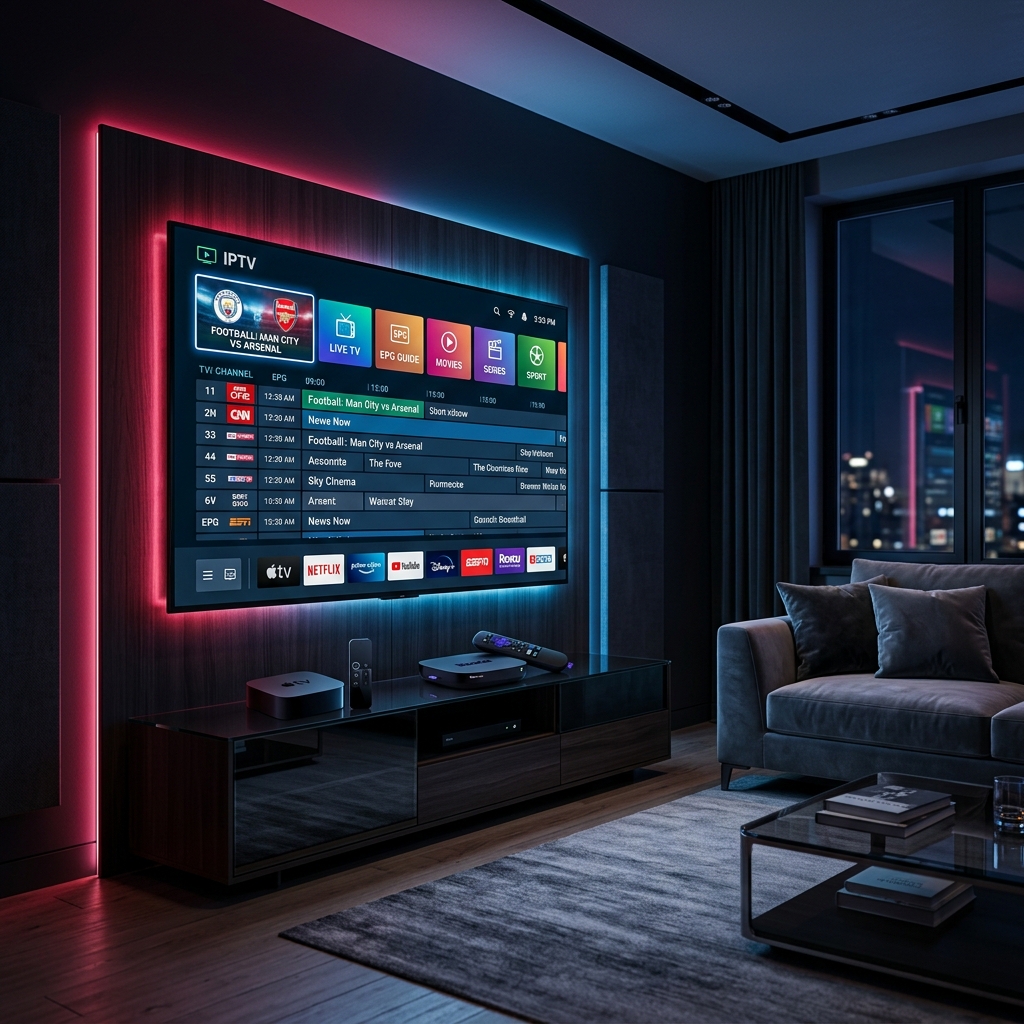
Roku and Apple TV are two of the most popular streaming devices on the market — and for good reason. They're fast, easy to use, and sit comfortably in millions of living rooms. But if you're trying to run an IPTV subscription on either device, there are a few things you need to know before you dive in. This guide covers the best IPTV options for both platforms and exactly how to get them running in 2026.
Roku vs Apple TV: Which Is Better for IPTV?
Before picking a service, it's worth understanding what each device can and can't do out of the box.
Roku is open to a wide range of third-party apps through its Roku Channel Store, but it doesn't officially support sideloading APKs the way Android-based boxes do. This means you're limited to IPTV apps that have a dedicated Roku channel, or you'll need to use screen mirroring from another device. If you want a fully native experience, look for IPTV providers that offer a Roku-compatible app or work through a supported player like IPTV Smarters or Tivimate's web-based variant.
Apple TV runs tvOS, which also restricts sideloading — but it does have a solid Apple TV App Store with legitimate IPTV player apps like GSE Smart IPTV, IPTV Smarters Pro, and Flex IPTV. Most quality IPTV providers will work on Apple TV as long as you have a compatible player installed. Apple TV's hardware is excellent for 4K HDR streaming, which makes it a strong choice if picture quality is a priority.
If you're coming from a different device setup, our guides on installing IPTV on Firestick and Android Box or Smart TV cover those platforms in full detail.
What to Look for in an IPTV Service for Roku & Apple TV
Not every IPTV provider makes the cut on these two platforms. Here's what matters most:
- App compatibility. Check whether the provider has a dedicated Roku channel or a tvOS app. If not, confirm they support M3U playlist import — most good players on both platforms accept this format. Our breakdown of M3U vs Xtream Codes explains the difference and which format is better for your setup.
- Stable 4K streams. Both Roku Ultra and Apple TV 4K are built for high-resolution content. There's no point pairing them with a provider that caps out at 1080p or delivers inconsistent bitrates.
- Multi-device support. If you have a Roku in the living room and an Apple TV in the bedroom, confirm your plan covers simultaneous streams. Check our guide on how to choose the right IPTV plan to avoid paying for connections you don't need — or not having enough.
- Reliable EPG (Electronic Programme Guide). A good EPG makes channel browsing feel like proper TV. On Apple TV especially, a clean guide layout significantly improves the experience. Ask your provider if their EPG is included or costs extra. For a detailed comparison of the top player apps available on tvOS, TROYPOINT's Apple TV IPTV guide is a solid independent reference. If sports channels are a priority, our article on why sports fans are choosing IPTV in 2026 covers what to look for in sports-focused plans.
- VPN compatibility. Some IPTV services restrict access by region. A VPN can solve this, and both Roku and Apple TV support VPN use — either via a router-level VPN or, on Apple TV, a native VPN app. Our VPN for IPTV streaming guide covers the best options.
Setting Up IPTV on Apple TV (Step by Step)
- Open the App Store on your Apple TV
- Search for a player such as GSE Smart IPTV, IPTV Smarters Pro, or Flex IPTV
- Install the app and open it
- Enter your M3U URL or Xtream Codes credentials provided by your IPTV service
- Wait for the channel list to load, then browse and test a few live channels
- Adjust the stream buffer settings if you experience any lag
📹 Watch: How to Install IPTV on Apple TV
Watch this step-by-step tutorial to configure your first playlist on tvOS:
Setting Up IPTV on Roku
Roku's closed ecosystem makes this slightly more involved:
Option 1 — Use a Roku-supported IPTV app. Search the Roku Channel Store for apps like IPTV Smarters or Pluto TV (for free content). Some third-party IPTV providers have their own Roku channels — check with your provider first.
Option 2 — Screen mirror from your phone. Android phones support Miracast to Roku natively. Install your IPTV app on your Android phone and mirror the screen to your Roku TV. Not as seamless, but it works. For help activating screen mirroring, the Roku official YouTube channel has clear tutorials on the process.
Option 3 — Use a Roku as a secondary display. If you already have IPTV running well on another device, some users simply use the Roku for other streaming services and dedicate their primary IPTV setup to a more compatible device like a Firestick or Android Box.
📹 Watch: Roku IPTV Setup & Review Guides
Learn how to configure IPTV Smarters on Roku, or compare Roku-compatible IPTV services:
Best IPTV Apps for Apple TV in 2026
| App | Free? | M3U Support | Xtream Codes | EPG |
|---|---|---|---|---|
| GSE Smart IPTV | Freemium | ✅ | ✅ | ✅ |
| IPTV Smarters Pro | Freemium | ✅ | ✅ | ✅ |
| Flex IPTV | Paid | ✅ | ❌ | ✅ |
| OTTPlayer | Free | ✅ | ✅ | ✅ |
Tip: In 2026 testing by IPTVForum, GSE Smart IPTV delivered the most reliable channel-zap performance and EPG accuracy on Apple TV 4K hardware. Read the full independent Apple TV IPTV review for detailed benchmarks.
Avoiding Buffering on Roku & Apple TV
Both devices handle network connections well, but IPTV streams are more sensitive to bandwidth fluctuations than standard on-demand apps. A few things to keep in mind:
- Connect via Ethernet if your Roku or Apple TV has a port (Roku Ultra and Apple TV 4K both do)
- If using Wi-Fi, place your router as close to the device as possible or use a mesh network
- Run a quick speed test before a big match — Ookla's Speedtest is free and takes under a minute
- If buffering persists, our complete IPTV buffering fix guide walks through every common cause and solution
- Check also our internet connection optimization guide for router and network settings
Final Thoughts
Both Roku and Apple TV can deliver a great IPTV experience — Apple TV more natively thanks to its App Store, Roku with a bit more creativity required. The key is pairing the right device with a provider that supports your format (M3U or Xtream Codes) and offers a stable, high-bitrate feed.
If you haven't chosen a service yet, take a look at our top IPTV service recommendations for 2026 and our best IPTV apps for Smart TV for more context before committing to a subscription. Still on the fence between IPTV and a traditional streaming service? Our IPTV vs Netflix vs Cable comparison breaks down the real cost and value differences so you can make a fully informed decision.
🚀 Ready to put your optimized setup to the test? Start your free SWC-STREAM trial — no credit card required.
Tags: IPTV Roku, IPTV Apple TV, Roku IPTV setup, Apple TV IPTV players, GSE Smart IPTV tvOS, IPTV Smarters Roku, best IPTV apps 2026
