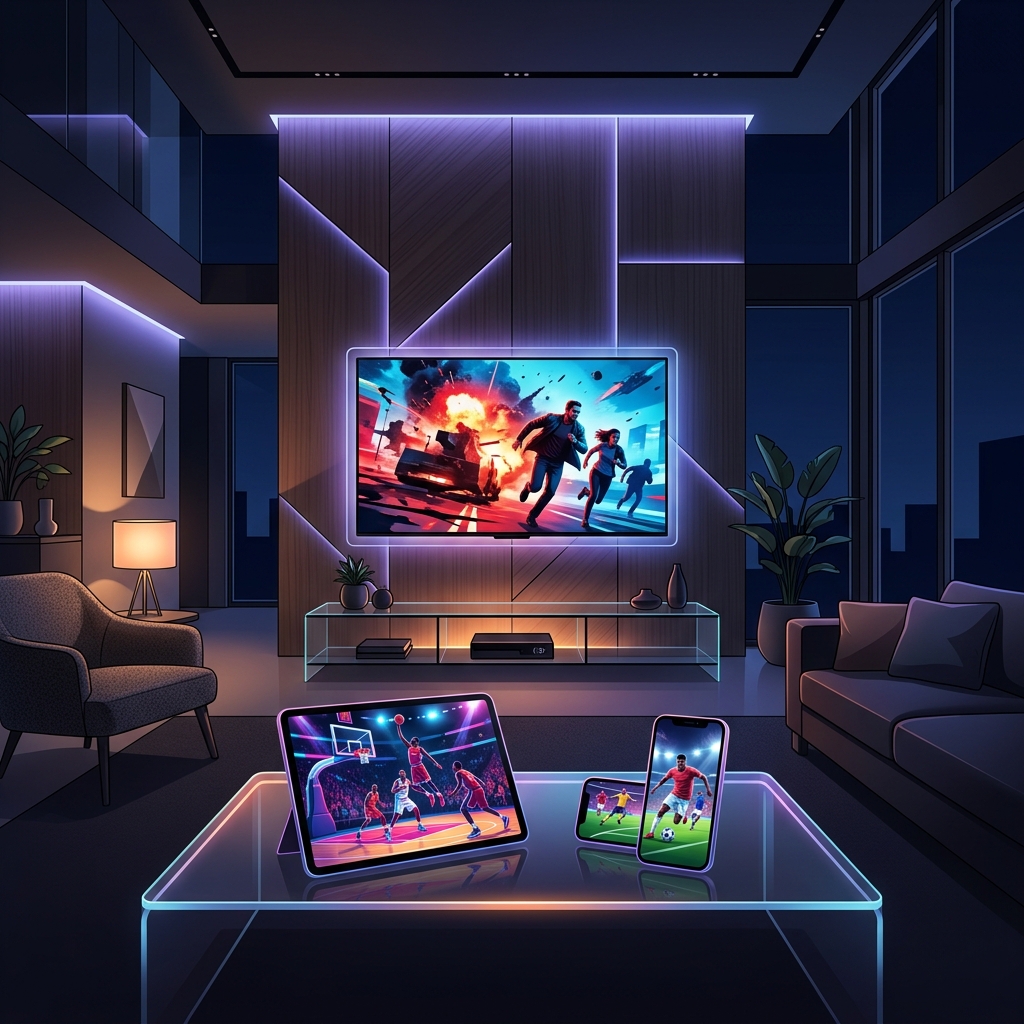
One of the first questions people ask before subscribing to an IPTV service is simple: how many devices can I use at the same time? The answer depends entirely on the plan you choose — and understanding how connections actually work will save you from frustration, unexpected disconnections, and paying for more than you need. This guide explains everything about IPTV multi-device streaming in 2026.
If you're new to IPTV entirely, start with our complete beginner's guide to IPTV before diving into the connection details.
What Is a "Connection" in IPTV Terms?
Before counting devices, it's important to understand what an IPTV connection actually means. A connection is one active stream at one moment in time — not one device, not one user, not one login.
This means:
- A 1-connection plan allows only one screen to stream at any given time
- A 2-connection plan allows two screens to stream simultaneously — on different channels if you want
- A 5-connection plan covers the whole household streaming independently at the same time
You can install your IPTV credentials on as many devices as you want. The limit only kicks in when multiple devices try to stream at the same time. The moment one stream stops, that slot frees up for another device.
For a practical video walkthrough of how this works in real life, this YouTube guide on using one IPTV subscription on multiple devices demonstrates the setup clearly.
How Many Connections Do Plans Typically Offer?
In 2026, the standard range across most IPTV providers looks like this:
| Plan Type | Simultaneous Connections | Best For |
|---|---|---|
| Basic | 1 connection | Solo viewer or single TV |
| Standard | 2 connections | Couples or small apartments |
| Family | 3–4 connections | Average households |
| Premium | 5+ connections | Large families or shared households |
| Reseller | 10+ connections | Business / reseller territory |
Most personal plans cap at 5 simultaneous connections. Going beyond that moves you into reseller or business pricing. As a rough guide, each extra connection typically adds $2–$4 per month to the plan cost — well worth it if you have multiple people in the household who want to watch different things at the same time.
Watch Out for "Unlimited" Claims: Be cautious of providers advertising "unlimited connections" — this usually signals oversold infrastructure that will buffer under any real load. Reliable providers are transparent about connection limits.
For an independent comparison of how multi-connection pricing actually scales across providers, IPTV Ranking's multi-device guide breaks down the per-connection cost clearly.
What Devices Can You Use with IPTV?
IPTV works across virtually every modern screen. Here's what's compatible:
- Amazon Firestick & Fire TV — the most popular IPTV device; see our complete Firestick setup guide
- Android TV Box & Smart TV — full native support via apps like TiviMate and IPTV Smarters; see our Android Box & Smart TV guide
- Roku & Apple TV — supported via compatible player apps; see our Roku & Apple TV setup guide
- iPhone & iPad — via GSE Smart IPTV or IPTV Smarters Pro on iOS
- Android phones & tablets — via TiviMate, IPTV Smarters Pro, or any M3U-compatible player
- Windows & Mac computers — via VLC Media Player or IPTV Smarters Pro Desktop
- Gaming consoles — Xbox supports IPTV through browser or dedicated apps; PlayStation via browser
Every device listed above counts as one connection only while actively streaming. A phone sitting idle with the app installed is not consuming a connection slot.
For a full video guide on installing IPTV Smarters Pro across all of these device types simultaneously, this IPTV Smarters Pro full setup guide for all devices covers the process from start to finish.
How Many Connections Does Your Household Actually Need?
Here's a quick household calculator:
1 connection — you live alone and only stream on one screen at a time
2 connections — you and a partner occasionally watch different things at the same time
3 connections — a family with a main TV, a bedroom TV, and someone on a phone or tablet
4–5 connections — a larger household where multiple family members stream independently throughout the day, or you want a dedicated connection for every room
A common mistake is underestimating how many streams run simultaneously. Remember to count background usage: a tablet left paused but still connected, a TV in another room still showing a channel, or a phone with the app open in the foreground — all of these may hold a connection slot depending on the app settings. In IPTV Smarters and TiviMate, look for a "stop streaming when app is in background" option and enable it to free up slots automatically.
How Much Bandwidth Do Multiple Streams Need?
Running several streams at once demands real bandwidth. Here are the minimum requirements per active connection:
| Stream Quality | Bandwidth Per Connection |
|---|---|
| SD (480p) | 3–5 Mbps |
| HD (1080p) | 5–10 Mbps |
| 4K Ultra HD | 15–25 Mbps |
So a household running 3 simultaneous HD streams needs at least 15–30 Mbps of stable internet bandwidth. For 4K streams, multiply accordingly. You can check your current speed with Ookla's Speedtest — a free tool that takes under a minute.
For advanced router configuration to prioritize IPTV traffic over other household internet usage (gaming, downloads, video calls), this Advanced Router Control for IPTV YouTube guide explains QoS settings and DNS configuration specifically for multi-device IPTV setups in 2026.
Key network tips for multi-device streaming:
- Connect your main TV box via Ethernet cable — eliminates Wi-Fi variability on your most-used screen
- Use the 5 GHz Wi-Fi band for devices close to the router; use 2.4 GHz for devices further away
- Enable QoS on your router to prioritize IPTV traffic over downloads
- If buffering occurs on one device but not others, the issue is almost always the device's connection, not the service
If buffering persists across multiple streams, our IPTV buffering fix guide and internet optimization guide cover every fix in detail.
Choosing the Right Plan: Connections vs Cost
The per-connection cost drops significantly as you add more connections on annual plans. Multi-connection annual plans are substantially better value than buying multiple single-connection subscriptions from the same provider. Before committing to a plan, ask your provider:
- Does this plan support simultaneous streams, or just multiple installs?
- Is there an IP lock (limits streaming to one IP address at a time)? This can block mobile use while the home TV is streaming.
- Can I upgrade my connection count mid-subscription if I need more?
Our guide on how to choose the right IPTV plan for your needs walks through all the questions to ask before subscribing. For a broader look at what separates good providers from bad ones, our top IPTV service recommendations for 2026 are a solid starting point.
Common Multi-Device Problems and How to Fix Them
"Maximum connections reached" error
This means all your connection slots are occupied. Check whether a forgotten device — an old tablet, a TV in another room, a phone — is still streaming in the background. Fully close the IPTV app on unused devices, not just minimize it. If the problem persists, contact your provider to confirm your plan's connection count.
One device buffers while others stream fine
This is a device-specific network issue, not a provider problem. Check that device's Wi-Fi signal strength and switch to a wired connection if possible.
All devices buffer at the same time
This points to a bandwidth issue at the router level, or the provider is under load (common during major live events). Run a speed test on Ookla and compare against the requirements table above.
Second device disconnects the first one
Your provider may have IP lock enabled. This means only one IP address (i.e. your home network) can stream at a time — so a mobile device on 4G would disconnect the home TV. Ask your provider to disable IP lock if this is the issue.
Final Thoughts
In 2026, most IPTV providers offer flexible multi-device plans that can cover any household size from a solo viewer to a large family. The key is matching your plan's connection count to your household's actual simultaneous usage — and making sure your internet bandwidth can handle the load.
A 2-connection plan covers most couples and small households. Families typically need 3–4 connections. And if you're splitting a subscription across a group, a 5-connection annual plan often works out to just a few dollars per person per month — significantly less than any traditional cable package. For a full comparison of IPTV versus cable costs, our IPTV vs Netflix vs Cable guide puts the numbers side by side.
Tags: IPTV multi-device, IPTV connections limit, stream IPTV multiple devices, IPTV bandwidth requirements, multi-room IPTV, IPTV connection count
