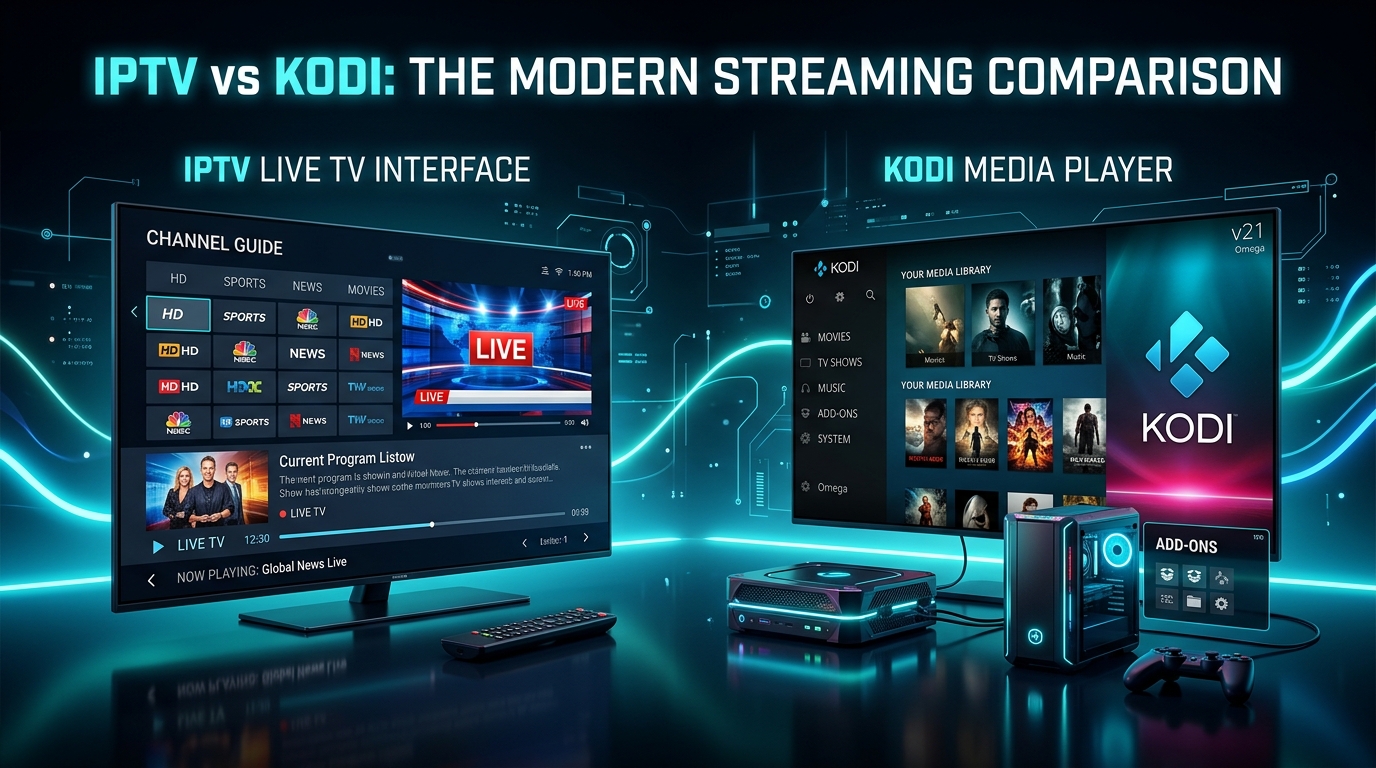
If you've ever searched for a way to watch live TV without cable, you've almost certainly come across both IPTV and Kodi. They often appear in the same forums, the same Reddit threads, the same YouTube comparison videos — and yet they are fundamentally different things that solve fundamentally different problems.
Confusing them is understandable. Kodi and IPTV are not the same thing, but the confusion between them is understandable — Kodi can run IPTV, and many people first encountered streaming through Kodi add-ons years ago.
This guide cuts through the confusion with a clear, honest breakdown of what each one actually is, what each one does best, and which one is right for you in 2026 — or whether you need both.
What Is Kodi?
Kodi is a free, open-source media player that turns any device into a home entertainment hub. Originally developed by the XBMC Foundation, Kodi lets you play media from local storage, network drives, or online add-ons.
The critical thing to understand: Kodi is a free, open-source media player application. By itself, it plays local files from your hard drive or network share. It has no built-in live TV capability and no content of its own.
In other words, Kodi is a platform, not a service. It's a container. It has no channels, no movies, and no live sports of its own. What it does is allow you to organise and play content from sources you connect to it — your personal media library, network drives, cloud storage, and third-party add-ons.
Kodi runs on Windows, macOS, Linux, Android, Firestick, Raspberry Pi, and more. It's completely free to download from kodi.tv.
What Is IPTV?
IPTV (Internet Protocol Television) is a service — a subscription that delivers live TV channels, sports, news, and video-on-demand content over your internet connection. With IPTV, users subscribe to a provider that streams thousands of live channels and Video-on-Demand (VOD) content directly to their devices. Live TV: Real-time broadcasting of news, sports, and shows. Video on Demand (VOD): Watch movies or series anytime. Time-shifted TV: Catch up on programs you missed earlier.
Top providers include 25,000+ channels, 100K VOD titles, accurate EPG data, and 24–72 hour catch-up TV.
IPTV is the closest thing to traditional cable TV — but delivered over the internet, on any device, for a fraction of the price. If you're new to how it works, our complete beginner's guide to IPTV covers everything from scratch.
The Core Difference: Platform vs Service
This is the single most important distinction:
| Feature | Kodi | IPTV |
|---|---|---|
| What it is | A media player app | A streaming subscription service |
| Has its own content? | ❌ No | ✅ Yes — 25,000+ channels, 100K+ VOD |
| Requires subscription? | ❌ Free | ✅ Paid subscription |
| Live TV built-in? | ❌ Needs add-ons | ✅ Yes, out of the box |
| Setup difficulty | ⚠️ Complex | ✅ Simple |
| Stability | ⚠️ Varies by add-on | ✅ Consistent |
| 4K HDR support | ⚠️ Device-dependent | ✅ Included |
| Customer support | ❌ Community forums | ✅ 24/7 provider support |
| Works on all devices | ✅ Most platforms | ✅ All platforms |
Summary: Kodi is best for users who enjoy customizing their media experience, while IPTV is ideal for people who want simple, instant access to live TV.
Watch Video Walkthrough
Watch TiviMate vs IPTV Smarters Pro: Don't Choose the Wrong One in 2026
Round 1: Live TV & Sports 🏆
IPTV wins — decisively.
IPTV streams are optimized for real-time playback and are less likely to buffer during peak match times. Kodi sports add-ons do exist, and some are excellent — but they rely on third-party sources that can disappear without warning.
SWCSTREAM delivers Premier League, NFL, NBA, UFC, Champions League, F1, LaLiga, Serie A, and more — live, in real time, in up to 4K — through a dedicated server infrastructure built for live broadcasting.
Kodi's approach to live TV requires installing a PVR (Personal Video Recorder) add-on and connecting it to a source. The quality of that experience varies enormously depending on which add-on you're using and whether its streams are still active. When a stream goes down during the second half of a match, there's no support desk to call.
Our article on why sports fans are choosing IPTV in 2026 covers how IPTV handles sports coverage in detail — every league, every device, every scenario.
Round 2: Ease of Setup ⚙️
IPTV wins — by a large margin.
Setting up IPTV is a five-minute process: subscribe, download an app, enter credentials, start watching. Our device setup guides cover every platform in under 10 steps:
- Firestick setup guide
- Android Box & Smart TV guide
- iPhone & iPad setup guide
- Roku & Apple TV guide
- MAG Box setup guide
Setting up Kodi for live TV is a different experience entirely. You need to install Kodi, find the right add-on repository, install the add-on, configure the PVR settings, connect a content source, and then troubleshoot when things don't work. For a simpler live TV experience, TiviMate or Smarters are faster to set up and better optimized for IPTV specifically.
Kodi is a powerful tool — but power comes with complexity. For non-technical users or anyone who wants to be watching TV in minutes rather than hours, IPTV is the clear choice.
Round 3: Customization & Flexibility 🎨
Kodi wins — if you enjoy tinkering.
Kodi's biggest strength is its customization. You can personalize the interface, install themes, and manage all your digital content in one place. One interface for Plex, Jellyfin, Synology NAS, Dropbox, and YouTube.
Kodi wins for advanced users who want control. If you're a power user who enjoys building your perfect media setup and doesn't mind hours of configuration, Kodi's flexibility is genuinely impressive.
For casual viewers who just want to watch TV without managing a media server, IPTV delivers everything needed without the overhead.
Round 4: Stability & Reliability 🔒
IPTV wins — professionally managed infrastructure vs community add-ons.
Real-Debrid and other premium link services significantly improve Kodi's quality, but they add another layer of setup. For the smoothest experience, IPTV performs better.
SWCSTREAM runs on enterprise-level CDN infrastructure with 99.99% uptime, anti-freeze technology, and multi-server failover. When a stream goes down, the system switches to a backup automatically. When you have an issue, 24/7 support is one message away.
Kodi add-ons rely on community-maintained streams that can disappear overnight, break after an update, or simply stop working during a major live event with no explanation and no one to contact. If you enjoy troubleshooting, this is acceptable. If you want to watch the Champions League final without praying your add-on is still live, IPTV is the safer choice.
If you ever run into stability issues with IPTV, our IPTV not working — 10 fixes guide and buffering fix guide cover every solution step by step.
Round 5: Cost 💰
Kodi wins on upfront cost (it's free). IPTV wins on value.
Kodi is free to download and always will be. If you're happy setting it up yourself and managing add-ons, your content cost can be very low.
SWCSTREAM's annual Pro plan is less than $4.20 per month — providing 25,000+ channels, 100,000+ VOD titles, 4K quality, EPG, catch-up TV, and 24/7 support. Compare that to the hours of setup time and ongoing maintenance Kodi requires, and IPTV's value becomes clear even at its paid price point.
Our IPTV vs Netflix vs Cable comparison shows how IPTV pricing stacks up against every other content option — the numbers are striking. For a full pricing breakdown, see pricing page.
Round 6: Legal Considerations ⚖️
Both are legal. What matters is the content source.
Kodi itself is 100% legal. The XBMC Foundation is a legitimate nonprofit. The question is whether the add-ons you install are streaming licensed content — and many of the most popular Kodi add-ons are not. This creates a real legal grey area that individual users navigate at their own risk.
IPTV from a legitimate provider like SWCSTREAM is completely legal — you're subscribing to a service that has the right to deliver the content it streams. Our complete IPTV legality guide covers exactly what's permitted under US and UK law, and how to identify licensed vs unlicensed services.
Can You Use IPTV With Kodi?
Yes — and many advanced users do exactly this.
Yes, you absolutely can use IPTV on Kodi. Many users combine both platforms to enjoy a more flexible and customizable streaming experience. Kodi supports various IPTV add-ons that allow you to stream live TV channels, movies.
The most popular method is installing the PVR IPTV Simple Client add-on in Kodi and connecting it to your SWCSTREAM M3U URL. This gives you your full SWCSTREAM channel list inside Kodi's interface — so you get Kodi's customization and organisation with SWCSTREAM's reliable server infrastructure powering the streams.
Plenty of advanced households run both: IPTV handles live TV while Kodi surfaces personal media, cloud backups, and automation triggers.
Our M3U vs Xtream Codes guide explains the exact format you need for connecting SWCSTREAM to Kodi's PVR client.
Watch Video Walkthrough
Watch Best IPTV Service 2026 — I Tested 8 So You Don't Have To which includes setup for Kodi & standalone apps.
Is Kodi Being Replaced in 2026?
This is the question many long-time Kodi users are asking. The short answer: for live TV, yes — dedicated IPTV apps have overtaken Kodi.
TiviMate tops the IPTV player rankings in 2026. Apps like TiviMate, IPTV Smarters Pro, and GSE Smart IPTV deliver a better live TV experience than Kodi's PVR system — faster channel switching, cleaner EPG, more stable streams, and zero configuration overhead.
For a look at what's replacing Kodi for Firestick users specifically, watch Kodi Has Been REPLACED — Best FREE FireStick Apps for Movies & TV in 2026. And for the best Kodi alternatives currently available on Firestick, watch Best Kodi Alternatives for Firestick — Top Apps You Need in 2026.
For personal media libraries, Kodi remains excellent and faces real competition only from Plex and Jellyfin. But for live TV and sports, the ecosystem has moved decisively toward dedicated IPTV apps — faster, simpler, and more reliable.
Who Should Choose What?
Choose IPTV (SWCSTREAM) if you:
- Want live TV working in under 10 minutes with zero configuration
- Follow sports and need reliable, stable live match streams
- Have a family or share a household — multiple devices, simple experience
- Are switching from cable and want a familiar, organised channel experience
- Are an expat wanting home country channels (see our expats guide)
- Want 24/7 support when something goes wrong
Choose Kodi if you:
- Have a large personal media library (local files, ripped discs, home videos)
- Want a unified interface combining your personal content with streaming
- Enjoy tinkering with open-source software and custom configurations
- Are an advanced user comfortable with add-on management and troubleshooting
Choose Both if you:
- Want the best of both worlds — SWCSTREAM for live TV and sports, Kodi for organising your personal media library
- Are a power user who wants maximum control over your entire media ecosystem
- Want a unified library (local files + live TV + IPTV in one interface), scheduled DVR recording, or a home theater PC setup
The Verdict
For simplicity, go with IPTV. For control and flexibility: choose Kodi.
In 2026, the majority of cord-cutters choose IPTV for live TV — and it's not hard to see why. A dedicated IPTV subscription gives you more content, better reliability, and a faster setup than Kodi's add-on ecosystem, with professional support when you need it.
Kodi remains the best free media center for personal libraries and advanced customisation — but for your primary live TV experience, it has been surpassed.
The good news: you don't have to choose one or the other. Run SWCSTREAM as your live TV backbone and Kodi for your personal media — and you'll have one of the most complete home entertainment setups available in 2026.
Ready to experience IPTV at its best?
Start your free trial at SWCSTREAM and compare for yourself — no credit card required. Our free trial guide walks you through exactly what to test in 24 hours.
Get Free Trial Now 🚀