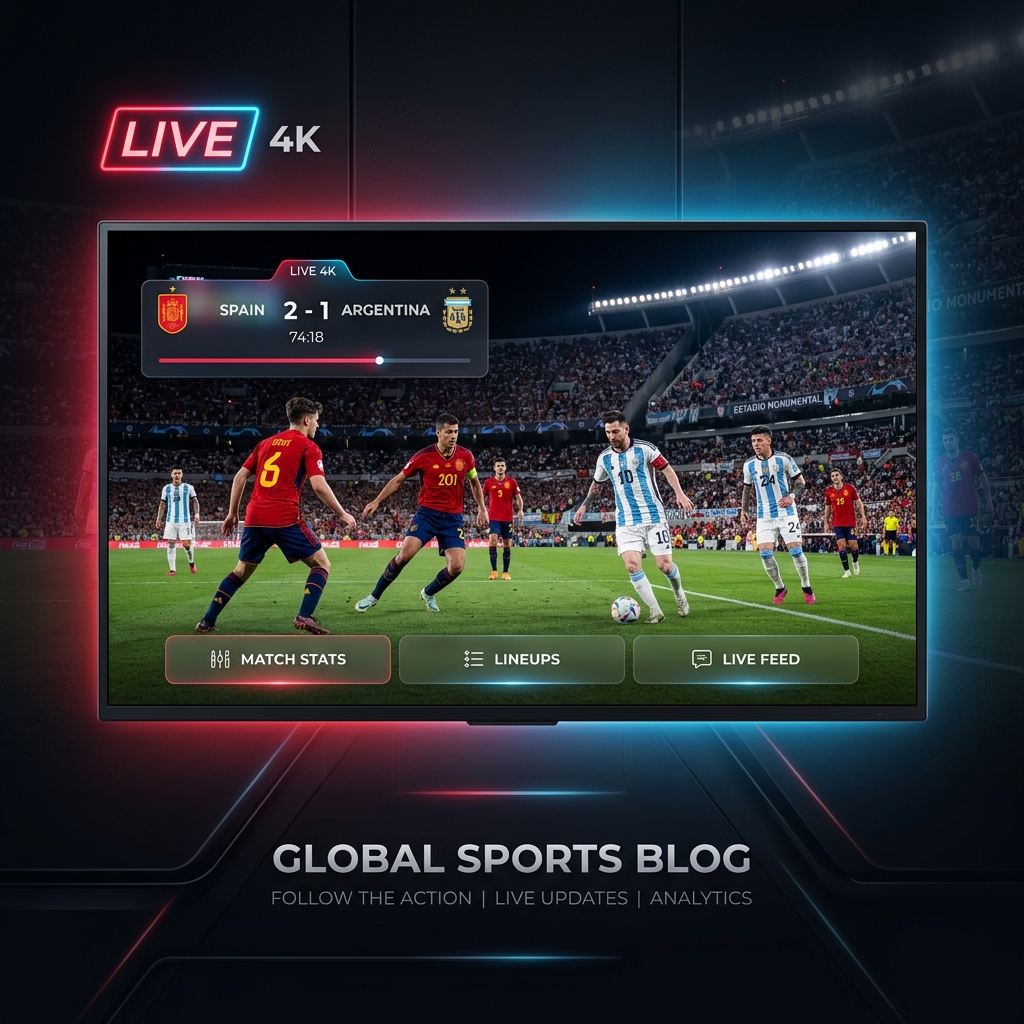
Two nations. One trophy. 82,000 fans in New Jersey. Billions watching worldwide. This is it.
Four years of qualifying. A 48-team tournament across three countries. 103 matches played. And it all comes down to this: Spain vs Argentina, July 19, 2026, MetLife Stadium, New York.
The reigning European champions against the reigning World Champions. La Roja against La Albiceleste. The tactical mastery of Spain against the relentless brilliance of Argentina. This is the final that football deserved — and you are not going to miss a single second of it.
Whether you're watching from New York, London, Paris, Dubai, or anywhere in between, this guide tells you exactly how to stream the 2026 FIFA World Cup Final live — in full 4K, without buffering, on any device you own.
📋 Match Info at a Glance
The 2026 FIFA World Cup Final is scheduled to be played at MetLife Stadium at the Meadowlands Sports Complex in East Rutherford, New Jersey, near New York City, on July 19, 2026. The stadium can accommodate over 82,000 spectators and is one of the largest sports venues in North America. For the duration of the tournament, FIFA will refer to the venue as "New York New Jersey Stadium" due to its sponsorship policies.
| 📅 Date | July 19, 2026 |
| 🏟️ Venue | MetLife Stadium (New York New Jersey Stadium), New Jersey |
| ⚽ Match | Spain vs Argentina |
| 🕐 Kickoff | 6:00 PM ET / 11:00 PM BST |
| 🏆 Tournament | FIFA World Cup 2026™ — Match 104 |
For the official tournament schedule and match details, visit FIFA's official World Cup 2026 page. Highlights, pre-match analysis, and behind-the-scenes footage are also live on FIFA's official YouTube channel — worth having open before kickoff.
How to Stream the Final on IPTV
IPTV is the best way to watch the World Cup Final if you want flexibility — watch on your TV, your phone, your tablet, or all three at the same time depending on your plan's connection count. If you haven't set up IPTV yet, our complete beginner's guide to IPTV covers everything from scratch. For those already subscribed, here's what to check before tonight's match.
✅ Pre-Match Checklist
1. Test your stream right now — not at kickoff.
Open your IPTV app and navigate to the channel broadcasting the final in your region. Confirm it loads in HD. Don't wait until 5:55 PM ET to discover a problem.
2. Check your internet speed.
4K streaming requires 25+ Mbps. HD requires 10–15 Mbps. A World Cup Final draws record internet traffic globally — run a speed test on Ookla Speedtest right now, not in two hours. If your speed is borderline, switch from Wi-Fi to a wired Ethernet connection before kickoff.
3. Connect via cable if you can.
Firestick 4K Max, Apple TV 4K, Nvidia Shield, and Android boxes all support Ethernet via USB-C or direct port. For a major live event like a World Cup Final, a wired connection eliminates the single biggest cause of mid-match buffering. Our internet optimization guide has the exact settings to configure before kickoff.
4. Close all background apps.
Every app running in the background on your streaming device and every device on your network consuming bandwidth reduces the quality of your live stream. Gaming consoles, smart speakers, video calls — pause them all.
5. Restart your router 30 minutes before kickoff.
A simple reboot clears cached connections and often resolves slowdowns that have built up over days of continuous use.
If you hit buffering issues during the match, our complete buffering fix guide covers every emergency fix in order of effectiveness.
Best Devices to Watch the Final
Every device below will deliver an excellent World Cup Final experience — the choice comes down to what you already have and how you want to watch.
Amazon Firestick 4K Max — the most popular IPTV device globally, plug-and-play with TiviMate and IPTV Smarters Pro. Full 4K HDR10+ support. See our complete Firestick setup guide for the best configuration.
Android TV Box / Smart TV — native IPTV app support, excellent 4K playback, Ethernet port available on most models. Our Android Box & Smart TV guide covers setup in full.
Apple TV 4K — premium build quality, smooth 4K HDR, works with GSE Smart IPTV and IPTV Smarters Pro via App Store. No sideloading required. See our Roku & Apple TV setup guide.
iPhone & iPad — ideal as a second screen for stats and social media while the main match plays on TV. Our iPhone & iPad IPTV guide covers the best apps.
📹 Video Tutorial: Watch Best IPTV USA 2026 – How to Buy & Setup (No Buffering & 4K Quality) (YouTube) — it covers the full setup process optimized for live sports streaming.
The Best IPTV Apps for the Final
Your IPTV app is the difference between a smooth final and a frozen screen at the worst possible moment.
| App | Best For | Platforms | 4K HDR |
|---|---|---|---|
| TiviMate | Best overall UI, fast channel switching | Android, Firestick | ✅ |
| IPTV Smarters Pro | Cross-platform, easy setup | All platforms | ✅ |
| GSE Smart IPTV | Apple TV & iOS | Apple TV, iPhone, iPad | ✅ |
| IPTV One | Dolby Vision & HDR10+ | All 8 platforms | ✅ Full DV |
| OTT Navigator | Advanced EPG & recording | Android, Firestick | ✅ |
📹 Video Review: Watch Best IPTV Service 2026 — I Tested 8 So You Don't Have To (YouTube) — one of the most thorough independent comparisons available right now.
Best IPTV Apps for Smart TV
If you're watching on a Samsung, LG, or other Smart TV, the built-in app store is your fastest route. Our best IPTV apps for Smart TV guide covers which apps are verified to work on each major Smart TV brand and which ones offer the lowest channel-switch lag for live events — critical when you want instant access to the broadcast the moment a goal goes in.
Watching on Multiple Devices
If your household wants to watch the final simultaneously on different screens, make sure your IPTV plan covers the number of connections you need. Most personal plans cover 2–5 simultaneous streams. Our multi-device IPTV guide explains exactly how connection slots work and what to do if you hit a "maximum connections reached" error mid-match.
For households running 3+ streams simultaneously, our internet optimization guide covers QoS router settings that prioritize your main TV stream over background traffic.
Do You Need a VPN for the Final?
A VPN is not required to watch the World Cup Final on IPTV — but it has two practical benefits for tonight's match:
- ISP throttling prevention. Some internet providers throttle streaming traffic during major live events when network load peaks. A VPN encrypts your traffic so the ISP can't identify and throttle it.
- Access to alternative broadcast feeds. Different countries broadcast the final on different channels — some with better commentary, fewer ads, or higher bitrate. A VPN lets you access those feeds regardless of where you are.
Our VPN for IPTV streaming guide covers the VPNs that deliver the lowest speed penalty for live 4K streaming — important for a match of this scale.
Where to Follow the Final Online
Beyond your IPTV stream, these are the best real-time resources for the match:
- 🔴 FIFA Live Match Centre — official live stats, lineups, and real-time match data
- 📊 BBC Sport World Cup Hub — live text commentary, match analysis, player ratings
- 📱 ESPN FC on YouTube — pre-match and post-match analysis, goal replays
- 🎙️ FIFA TV on YouTube — official match highlights published immediately after the final whistle
📹 Tactical Preview: Watch World Cup 2026 Final Preview: Spain vs Argentina — Tactical Analysis (YouTube) — essential viewing before kickoff.
Why IPTV Is the Best Way to Watch the Final
Traditional cable and satellite were never built for the kind of global simultaneous demand a World Cup Final generates. IPTV infrastructure in 2026 uses multi-CDN delivery networks with edge servers positioned close to major population centers, designed specifically to handle peak event traffic without degrading stream quality.
The result: a properly configured IPTV setup delivers a more stable, higher-quality stream during a World Cup Final than most cable packages — at a fraction of the cost. For a full breakdown of how IPTV compares to cable and satellite across every metric, our IPTV vs Cable vs Satellite guide puts the numbers side by side.
If you don't have a subscription yet and are looking to choose the right service for tonight and beyond, our top IPTV service recommendations for 2026 and how to choose the right IPTV plan guide will get you set up in under 10 minutes.
🏆 This Is the Moment
Somewhere in New Jersey tonight, a captain will lift the FIFA World Cup Trophy. A nation will erupt. Players will cry. History will be written.
You don't need to be in the stadium to feel every second of it. You just need a setup that doesn't let you down.
Run your speed test. Plug in the Ethernet cable. Open your IPTV app. Test the channel. And then sit back — because Spain vs Argentina in a World Cup Final only happens once in a lifetime.
Don't watch it through a buffering screen.
¡Vamos Argentina! ¡Viva España! ⚽🏆
Can't find a provider that works for you tonight? Read our top IPTV service recommendations for 2026 — most providers activate within minutes of signing up.
