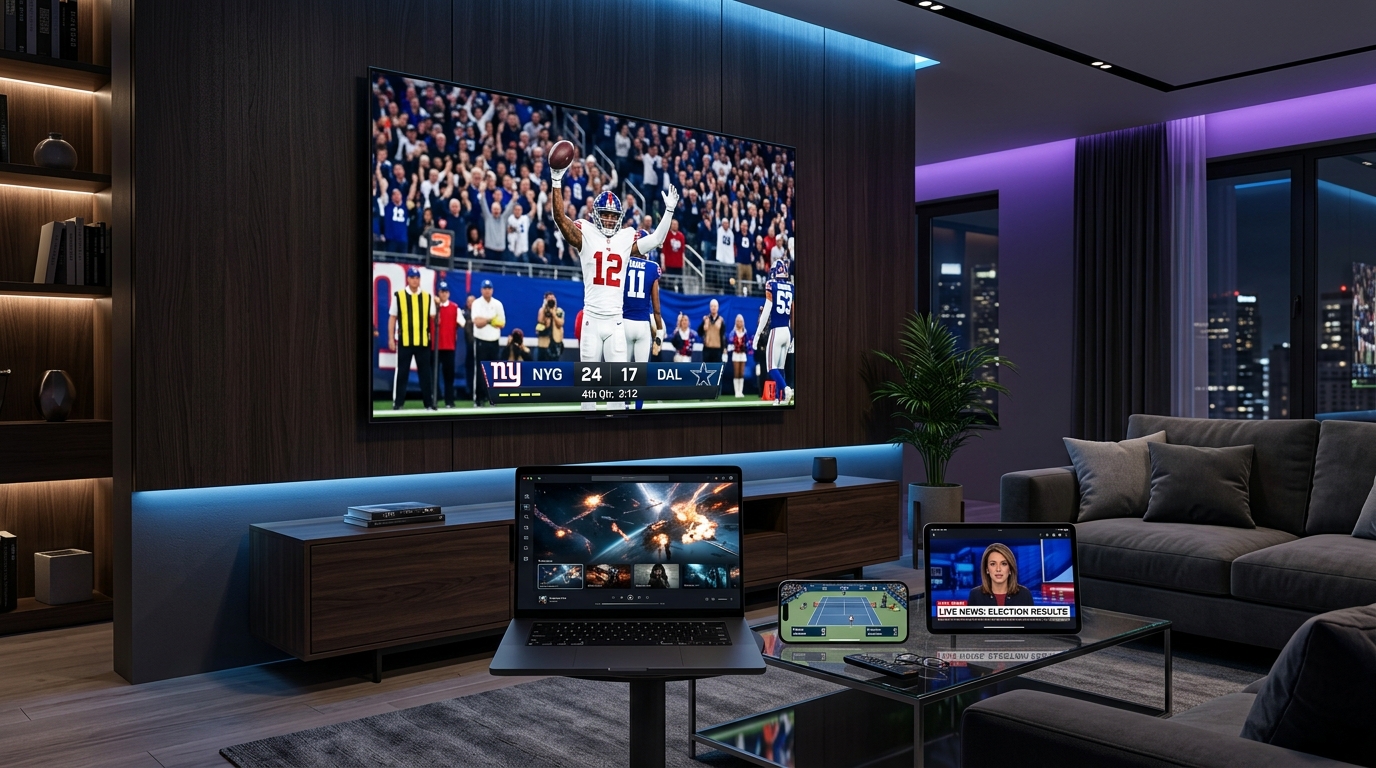
No box. No dish. No engineer visit. No 24-month contract. No equipment rental fee. No call center hold music. No technician who shows up three hours late.
Just 25,000+ channels — live TV, sports, news, international content, and 100,000+ movies — streaming beautifully on whatever screen you're sitting in front of right now.
This is IPTV in 2026. And if you haven't made the switch yet, this guide will show you exactly how to do it on every device you own — in under 10 minutes.
The One Thing You Actually Need (And It's Not a Cable Box)
Here's the liberating truth that cable companies spend millions trying to obscure: you do not need a dedicated box to enjoy IPTV. In many situations, a smart TV, phone, tablet, or computer is more than enough to watch live TV and on-demand content with a simple app installation.
All you need is:
- ✅ A stable internet connection (15 Mbps minimum for HD, 25 Mbps for 4K)
- ✅ Any internet-connected screen (TV, phone, tablet, laptop — anything)
- ✅ An IPTV app (free to download)
- ✅ A SWCSTREAM subscription
That's it. No hardware to buy. No cables to run through walls. No appointment to book. No contracts, no hidden fees, and no equipment rentals. You just pay a small monthly or yearly fee, and you get a playlist or an app login that unlocks everything.
Not sure how IPTV works under the hood? Our complete beginner's guide to IPTV explains the technology clearly before you dive in. Otherwise — let's get every screen in your home set up right now.
🔥 Every Screen. Every Device. One Subscription.
Most IPTV providers deliver credentials that work across all platforms, so you can switch between devices without needing separate accounts. Your one SWCSTREAM subscription covers all of the following — simultaneously, on multiple screens, with no extra cost.
📺 Smart TV — The Cleanest Setup
Your Smart TV is already a streaming powerhouse. No extra hardware required. Since most smart TVs sold today support at least one solid IPTV app, this is often the easiest way to get started.
Best apps for Smart TV in 2026:
- IPTV Smarters Pro — slick interface, fast channel switching, 4K support
- TiviMate (Android TV) — the gold standard for IPTV lovers, gorgeous EPG
- GSE Smart IPTV — excellent for Samsung and LG Tizen TVs
- Smart IPTV (SIPTV) — one of the most popular choices for Samsung
Setup in 3 steps:
- Open your Smart TV's app store
- Download your chosen IPTV app
- Enter your SWCSTREAM credentials (Xtream Codes or M3U URL)
Full walkthrough: best IPTV apps for Smart TV — top 7 picks for 2026
Watch Video Walkthrough
Watch How to Install IPTV on Samsung Smart TV in 2026 — Complete UK Setup Guide
🔥 Amazon Firestick — The Most Popular IPTV Device on Earth
The Firestick 4K Max is the world's most-used IPTV device — small enough to hide behind your TV, powerful enough to stream 4K HDR, and compatible with every major IPTV app. Streaming sticks like Firestick don't need a separate set-top box. Simply install the IPTV app of your choice and enter your subscription details.
Best apps for Firestick:
- TiviMate — fastest channel-switching, best EPG, most customisable
- IPTV Smarters Pro — works straight from the Amazon Appstore, no sideloading needed
- GSE Smart IPTV — reliable and beginner-friendly
- Downloader app — for sideloading APK files if needed
Why Firestick? It fits in your pocket. You can take it to a hotel, a friend's place, or abroad — plug it into any HDMI TV and your 25,000+ channels travel with you.
Full walkthrough: complete Firestick IPTV setup guide
Watch Video Setup Guide
Watch How to Install IPTV on Firestick in 2026 — Best IPTV App Setup (YouTube)
📱 iPhone & iPad — Your Pocket TV, Everywhere
Your iPhone or iPad is a full IPTV device in your pocket. Whether you're commuting, traveling, or just watching from bed — your 25,000 channels go wherever you go.
Best apps for iOS in 2026:
- IPTV Smarters Pro — available on the App Store, clean interface, EPG support
- GSE Smart IPTV — trusted by millions of iOS users globally
- Flex IPTV — excellent picture quality and stability
- OTTPlayer — free, lightweight, reliable
A smartphone or tablet can easily replace a box for IPTV use. You can stream directly on the device itself, or mirror the screen to your TV using a cable or wireless connection. Mirror your iPhone to your Smart TV via AirPlay and you're watching your channels on the big screen — wirelessly, instantly.
Full walkthrough: iPhone & iPad IPTV setup guide
🤖 Android Box & Android Phone — Maximum Power, Maximum Freedom
Android is the most flexible IPTV platform available. Every major IPTV app runs natively on Android, APK sideloading gives you access to apps not in the Play Store, and Android TV Boxes deliver desktop-level performance at a fraction of the cost of cable hardware.
Best apps for Android in 2026:
- TiviMate — the undisputed king of Android IPTV, period
- IPTV Smarters Pro — cross-platform, beginner-friendly, solid EPG
- OTT Navigator — advanced users, excellent catch-up TV features
- Perfect Player — lightweight, fast, minimal UI
Android Box vs Firestick: Android TV boxes provide custom ROMs for enhanced performance and more storage for power users who want full EPG features and multi-screen viewing. If you want the most powerful, most customisable IPTV setup, an Android Box is the answer.
Full walkthrough: Android Box & Smart TV setup guide
Watch Video Guide
🍎 Apple TV — Premium Picture, Premium Experience
Apple TV 4K is the finest IPTV-watching hardware on the market. Silky-smooth 4K HDR10+ playback, AirPlay integration, and a growing list of excellent IPTV apps on tvOS make it the premium choice for viewers who want the best possible picture on the best possible hardware.
Best apps for Apple TV:
- GSE Smart IPTV — the most complete IPTV solution on tvOS
- IPTV Smarters Pro — fully featured, direct App Store download
- Flex IPTV — clean interface, excellent for HD and 4K channels
Apple TV 4K integrates seamlessly with M3U8 formats, making it a powerful choice for IPTV in 2026.
Full walkthrough: Roku & Apple TV setup guide
📡 MAG Box — The Cable Box Replacement
The MAG Box by Infomir is what you get when engineers build a device specifically for IPTV — nothing else. No app store distractions. Just a purpose-built portal interface that loads your channels instantly, with fast switching, full EPG, and a remote control that feels exactly like traditional cable.
MAG boxes and Formuler devices boot directly into an IPTV portal interface, skipping general smart TV menus entirely. These are the preferred choice for viewers who want a cable-like remote control experience with fast channel switching.
Who is MAG Box for? Anyone who wants the simplest, most stable live TV experience — especially older users switching from cable who want familiar remote-control navigation without learning a new interface.
Full walkthrough: MAG Box complete setup guide
💻 PC & Mac — Watch on Your Laptop or Desktop
Windows and Mac computers run IPTV through desktop players like VLC or web-based portals. No app store, no special hardware — just download a player, paste your M3U URL, and your channels open in a window on your screen.
Best IPTV players for PC & Mac:
- VLC Media Player — free, open source, universal — just paste your M3U URL and press play. Download from videolan.org
- IPTV Smarters Pro — now available as a Windows desktop app
- Kodi — powerful media center with IPTV add-on support for advanced users
- MyIPTV Player — Windows Store app, clean and simple
How to watch on PC with VLC:
- Open VLC → Media → Open Network Stream
- Paste your SWCSTREAM M3U URL
- Click Play — your full channel list loads instantly
No cable box. No installation engineer. Just your laptop and a URL.
🎮 Gaming Consoles (PS5 & Xbox) — Your Game Console Is a TV Too
Your PlayStation 5 or Xbox Series X is already connected to your TV with the best HDMI cable in the room. Why not use it for IPTV?
PS5: Use the built-in browser to access web-based IPTV players, or sideload compatible apps
Xbox Series X/S: Supports IPTV apps through the Microsoft Store (IPTV Smarters, Perfect Player)
Gaming consoles aren't the primary IPTV solution for most households, but as a secondary screen or a backup when your main device needs charging, they work surprisingly well.
🌍 Watch From Anywhere — Not Just Your Living Room
One of the most underrated advantages of IPTV over cable is portability. Your cable box works in one room of one building. Your SWCSTREAM subscription works everywhere.
- Hotel room on a work trip? Plug your Firestick into the room TV. Your channels are there.
- Airport lounge? Open IPTV Smarters on your iPhone. Watch whatever you want.
- Holiday apartment abroad? Connect your Android Box to the villa TV. Your home country channels stream as if you never left.
- Friend's house? Bring your Firestick or log into your account on their Smart TV.
For expats and frequent travelers, this portability is the game-changer. Our IPTV for expats guide covers every scenario and country in detail.
📶 What Internet Speed Do You Actually Need?
It's advisable to have an internet connection speed of at least 20 Mbps for HD streaming. Here's the full breakdown:
Check your current speed right now at Ookla Speedtest — it's free and takes 30 seconds. If you're below the threshold for the quality you want, our internet optimization guide covers exactly how to improve your streaming speed without upgrading your broadband plan.
Pro tip: A wired Ethernet connection always outperforms Wi-Fi for IPTV. On a Firestick, use a USB-C to Ethernet adapter. On a Smart TV, plug directly into your router. The difference in stream stability during live sports is night and day.
🎬 What You Get With SWCSTREAM on Every Screen
Every device above gives you access to the exact same content — no tiers, no device-based restrictions:
🚀 Ready? Here's How to Start in 3 Steps
Step 1 — Subscribe
Go to swc-stream.com/pricing. Choose your plan. Annual Pro works out to less than $4.20 per month — less than a coffee.
Step 2 — Install the app
Pick your device from the list above and follow the matching setup guide. Most setups take under 5 minutes.
Step 3 — Watch
Open the app, enter your credentials, and start watching. 25,000+ channels are waiting.
Want to try before you commit? Request a free trial — no credit card needed, full access to the complete channel library.
🔧 Troubleshooting & Support
If anything goes wrong during setup, these guides have every fix:
- Nothing loading / authorization error → IPTV not working — 10 fixes guide
- Buffering or freezing → complete buffering fix guide
- Slow connection → internet optimization guide
- EPG not showing → complete EPG guide
- Too many devices, connection limit hit → multi-device guide
SWCSTREAM support is available 24/7 at swc-stream.com/contact. Response time: typically under an hour.
The Bottom Line
The cable box had a good run. But in 2026, it's an expensive, inflexible, contract-locked piece of hardware that limits what you watch, where you watch it, and how much you pay — for no reason except inertia.
Every screen you already own is a better TV than a cable box. Your Smart TV. Your Firestick. Your phone. Your tablet. Your laptop. All of them can stream 25,000+ channels in 4K — tonight, for less than most people spend on a single streaming subscription.
Millions of Americans have already made the switch. There's a smarter, cheaper, and honestly better way to watch TV in 2026. It's called IPTV.
Your cable box is optional. Your channels are not. 🚀
Ready to Start Streaming?
👉 Start your free trial at swc-stream.com and see exactly what you've been missing — before you pay a single dollar.
Still comparing options? Our best IPTV service review and IPTV vs Netflix vs Cable comparison give you every number you need to make a fully informed decision.